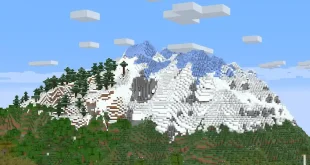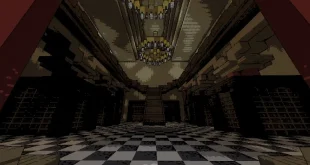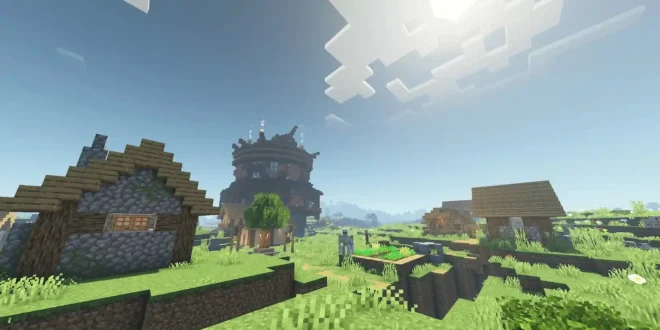
HyShaders – Fantasy Edition
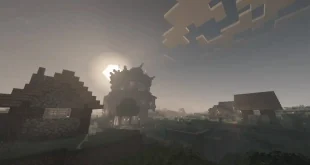
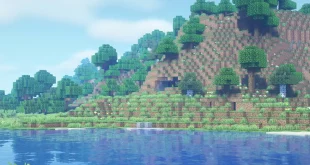
HyShaders – Fantasy Edition is a high-performance, lightweight shader designed to enhance the fantasy atmosphere of Minecraft while maintaining the beloved blocky, pixel-based visuals of the vanilla game.
Shader Features
- Optimized performance for seamless gameplay
- Faithful to Minecraft’s classic pixel aesthetic
- Two distinct modes to suit different hardware capabilities
Shader Modes
- Ultra Mode: Provides richer visual effects and greater detail. This mode demands more system resources but significantly elevates the game’s appearance.
- Lite Mode: The Lite version prioritizes speed and optimization, delivering impressive visuals with minimal impact on performance. Ideal for players seeking smooth gameplay on a wide range of systems.
Installation Guide
- Download the shader pack and extract its files.
- Install Iris shader loader to enable shaders in Minecraft.
- Place the extracted shader files into your
shaderpacksfolder. If this folder does not exist, manually create it in your Minecraft directory. - Launch Minecraft and experience a transformed environment!
Note:
Manual installation is recommended to select the preferred version—either Lite for top performance or Ultra for enhanced visuals. If no version is specified, the Lite mode is automatically installed. Select Ultra during manual installation if you desire greater graphical fidelity.
Except for special cases, Minecraft Shaders are generally backward compatible, but not forward compatible.
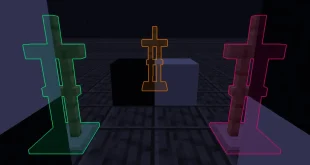
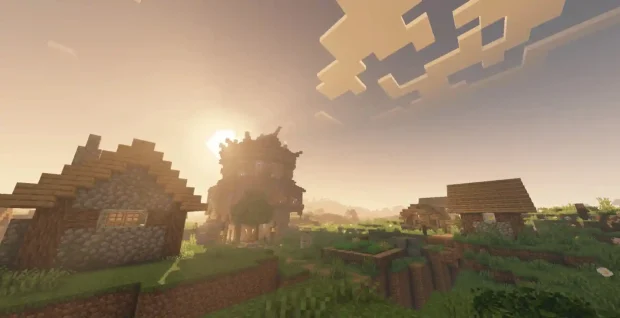
Screenshots
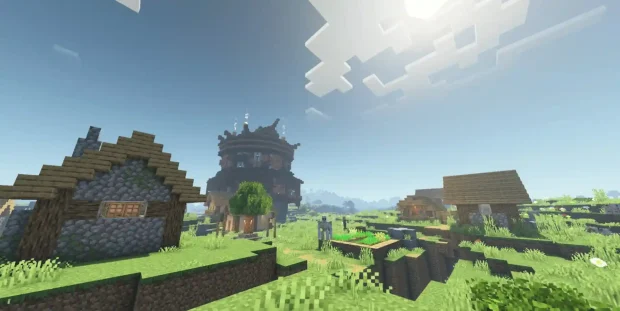
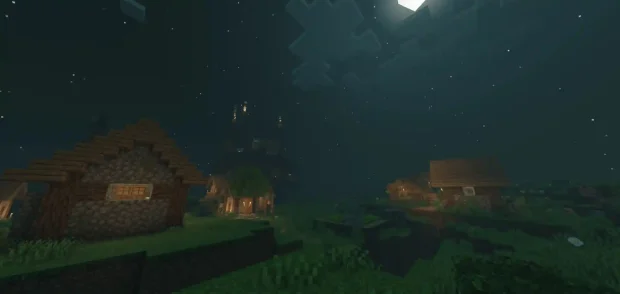
- If you don’t know how to use Minecraft Shaders, please click to view the Shaders usage tutorial.